







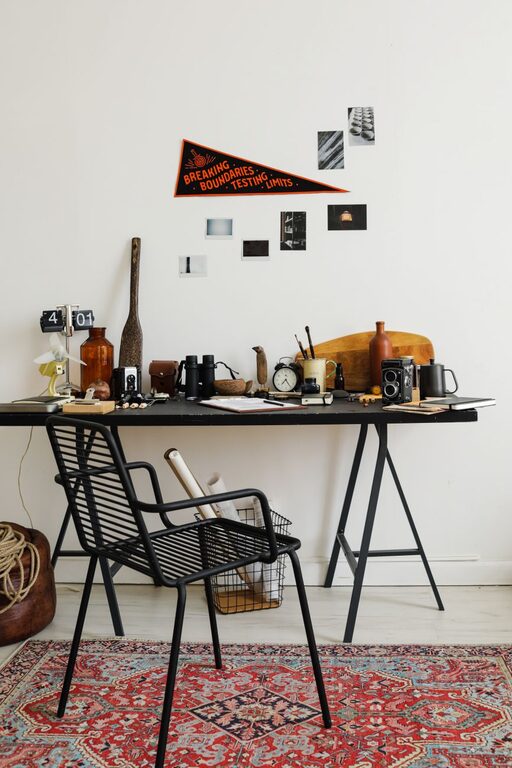
A cluttered or uninspiring workspace can negatively affect your focus and productivity. Fortunately, refreshing your workspace doesn’t have to be a time-consuming task. With just ten minutes, you can create a more inviting and efficient environment that boosts your mood and work output. Here’s a step-by-step guide to quickly refresh your workspace, whether you’re at home or in an office.
Why Refresh Your Workspace?
Before diving into the steps, it’s helpful to understand the benefits of a refreshed workspace:
– Improved focus: A tidy space reduces distractions.
– Enhanced mood: A clean and personalized environment can increase motivation.
– Better organization: Helps you find items quickly and work more efficiently.
Even a small refresh can create a positive impact that lasts throughout your day.
Get Ready: Set a Timer
Since the goal is to refresh your workspace in ten minutes, set a timer on your phone or computer. This will keep you focused and prevent the task from stretching beyond your break.
Step 1: Clear the Surface (3 minutes)
Start by clearing off your main work surface — your desk or table. Remove everything, including papers, gadgets, mugs, and decorative items. Wipe down the surface with a gentle cleaner or a damp cloth to eliminate dust and stains. A clean surface encourages clarity and gives you a fresh canvas to organize.
Step 2: Sort and Declutter Quickly (3 minutes)
Go through the items you removed and sort them into three piles:
– Keep on desk: Items you use daily like your computer, notepad, or calendar.
– Store away: Things you need occasionally but don’t require on top of your desk.
– Trash or recycle: Old papers, broken items, and anything you no longer need.
Be decisive. If you don’t remember the last time you used something, it’s usually safe to store or discard it.
Step 3: Organize Essentials (2 minutes)
Return only the essential items to your desk. Arrange them neatly: position your computer or laptop centrally, stack notebooks or planners neatly to one side, and place pen holders or other tools where they’re easy to reach but not cluttering your space.
Consider using small organizers or trays if you have them on hand. Keeping items grouped helps maintain order.
Step 4: Add a Personal Touch (1 minute)
A workspace that feels welcoming can improve your mood. Add one small personal or decorative item, such as a photo, a small plant, or a favorite ornament. Keep it simple so it doesn’t add clutter but makes the space feel uniquely yours.
Step 5: Adjust Lighting and Airflow (1 minute)
Good lighting helps reduce eye strain and keeps you alert. If possible, open a window or adjust your blinds to let natural light in. Turn on a desk lamp if your workspace feels dim. A quick breath of fresh air can also refresh your mind.
Bonus Tips for Maintaining a Fresh Workspace
– Daily 2-minute tidy: Spend a couple of minutes at the start or end of each day putting things back in place.
– Cable management: Use clips or ties to keep cords neat and prevent tangling.
– Digital declutter: Regularly organize your computer desktop and files to complement your physical workspace.
– Keep cleaning supplies nearby: Having wipes or a cloth handy encourages quick cleanups.
Final Thoughts
Refreshing your workspace doesn’t require a major overhaul or a lot of time. With a focused ten-minute routine, you can clear clutter, organize essentials, and create an inviting environment that supports your productivity. Set reminders to do this refresh regularly, and you’ll enjoy a workspace that helps you stay motivated and focused day after day.